
BIM OBJECTS AND REVIT FAMILIES: TOP 10 SITES TO DOWNLOAD FREE
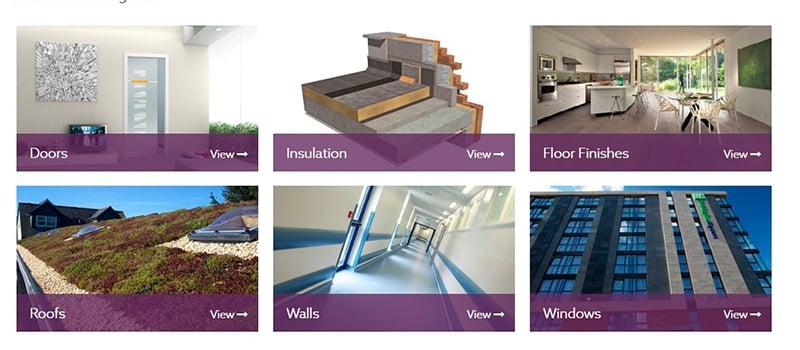
Revit 3D models are valuable tools for visualizing architectural ideas and planning the construction process from A to Z. Architects can get their whole project in detailed 3D form and simplify the implementation of it for everyone involved – builders, contractors, designers.
An architectural company has to present their project for a client within a tight deadline. They read up on how CAD modeling enhances furniture design , found a team and hired a 3D visualization studio to create visual materials for a crucial meeting. However, the planned construction is too big and complicated to finish it so fast. The 3D Artists offered to use ready-made Revit families they can buy online. The problem is, there are too many BIM objects required for the construction and the Architects don’t have financial resources for such purchases. How can they accomplish the task in time for the presentation?
This problem has an easy solution which doesn’t require extending of the budget – free Revit families. We chose 10 best websites where Architects and 3D Artists can find high-quality 3D Revit models without spending a dime.
In this guide we collected the best Revit family libraries and BIM object platforms where you can download Revit models for free: furniture and fixtures, doors and windows, lighting, appliances and full building products.
The 10 Revit family libraries on this list:
- What a BIM object actually is
- Free libraries vs manufacturer content
- BIMobject
- NBS Source
- RevitCity
- BIMsmith
- bimstore
- Modlar
- SpecifiedBy
- ARCAT
- BIM&CO
- MEPcontent
- Revit 3D Models FAQ
What a BIM Object Actually Is
A BIM object is a component you place in a model that carries information as well as geometry. A door knows its width and fire rating, a pump knows its flow rate, and both report themselves to a schedule without anyone typing the numbers in again.
Revit calls them families and saves them as RFA. Archicad calls them objects and saves them as GDL. IFC is the neutral format both can read, which is what most manufacturer libraries offer alongside the native files. Same idea, three file extensions, and it is worth checking which one a site actually gives you before you spend an afternoon downloading.
Free Libraries and Manufacturer Content Are Not the Same Thing
Two kinds of site turn up in any search for BIM objects, and they solve different problems.
Manufacturer libraries host real products from real brands. You get the actual cabinet or the actual light fitting, with the model number, which matters the moment somebody has to order it. The catch is coverage: if the brand has not published, the object does not exist.
Generic libraries give you a placeholder that behaves correctly. Right size, right parameters, no brand. Perfect for early design, useless for a specification.
Most projects use both, and the honest workflow is generic content while the design moves and manufacturer content once it stops. Where neither has what you need, the answer is a custom object built to your drawings.
#1. BIMobject
| Website: | https://www.bimobject.com/en/ |
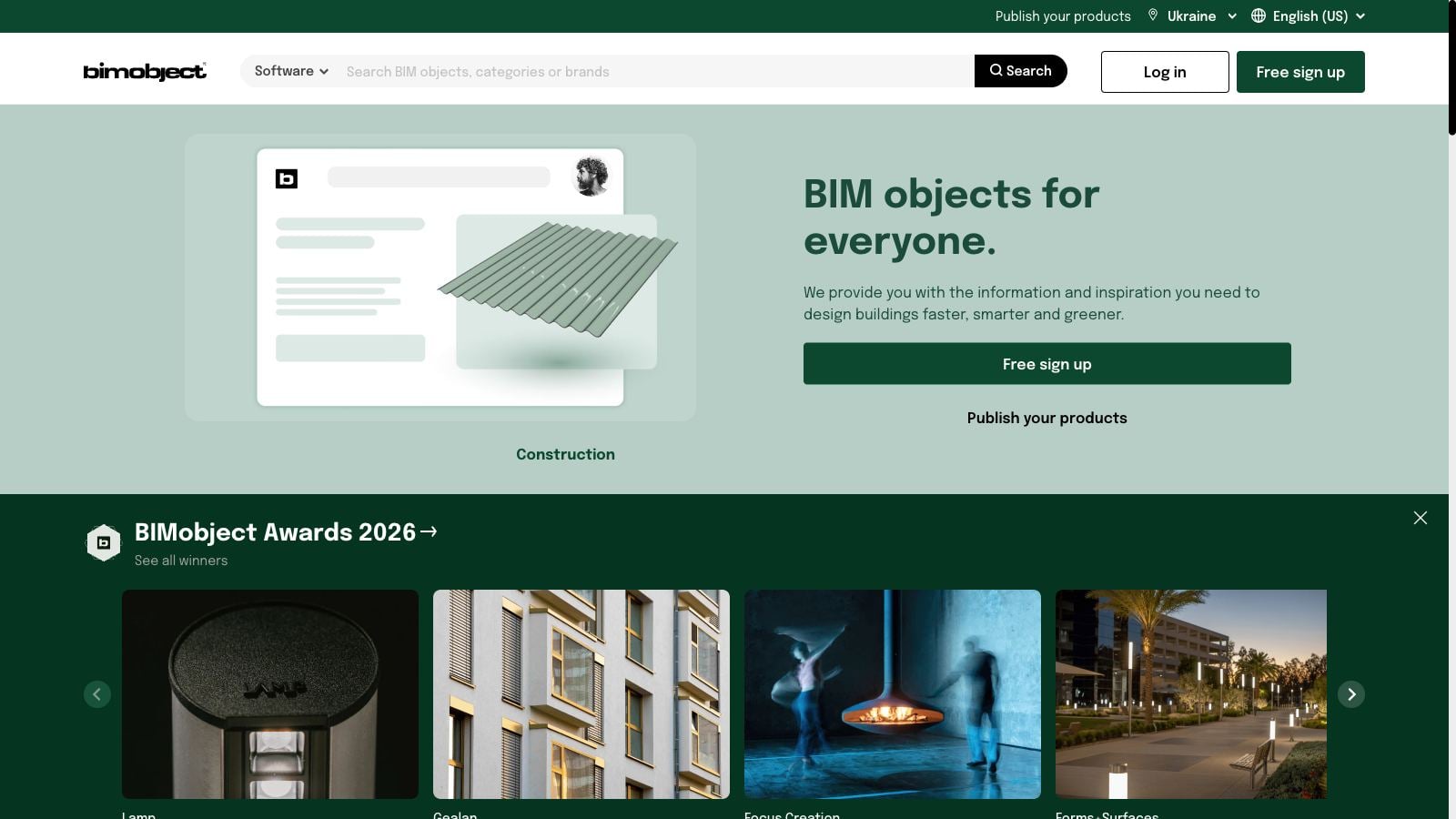
BIMObject is one of the largest and most effective online platforms for architects and designers offering placement, support, coordination and publication of digital products – BIM objects. This website is focused on manufacturer-specific content from all around the world but users can find here generic Revit 3D models as well. The catalog counts hundreds of thousands of parametric objects from well over a thousand manufacturers, and the numbers keep climbing. A free account is enough to download, and the search filters content by format, region and brand.
#2. NBS Source (ex NBS National BIM Library)
| Website: | https://source.thenbs.com/en/gb |
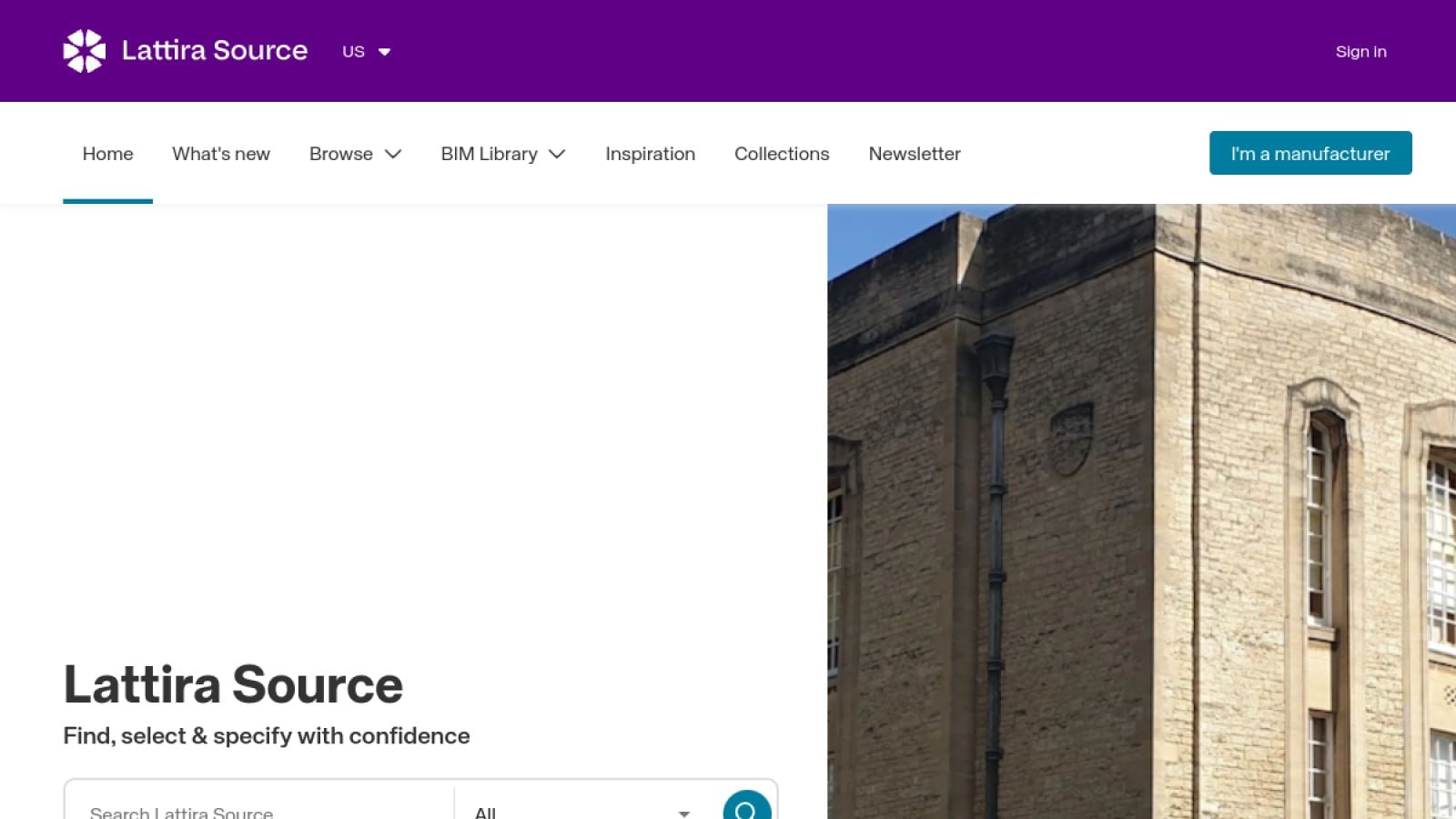
In 2021 NBS merged its National BIM Library into NBS Source, which is why the old link now drops you on a different site. One more twist: the owner, Hubexo, has started rolling out a new name, Lattira Source, so do not be surprised if the header greets you with yet another logo. The library underneath is the same. Nothing of value was lost in the move. Downloads stayed free, the objects still follow one authoring standard, and every product ships with specification data that plugs straight into NBS specs. For UK projects this is the first stop: manufacturer items and generic Revit families side by side, in Revit, IFC and a few more formats, all drawn to the same standard so a model with ten brands in it stays tidy.
#3. RevitCity
| Website: | https://www.revitcity.com/ |
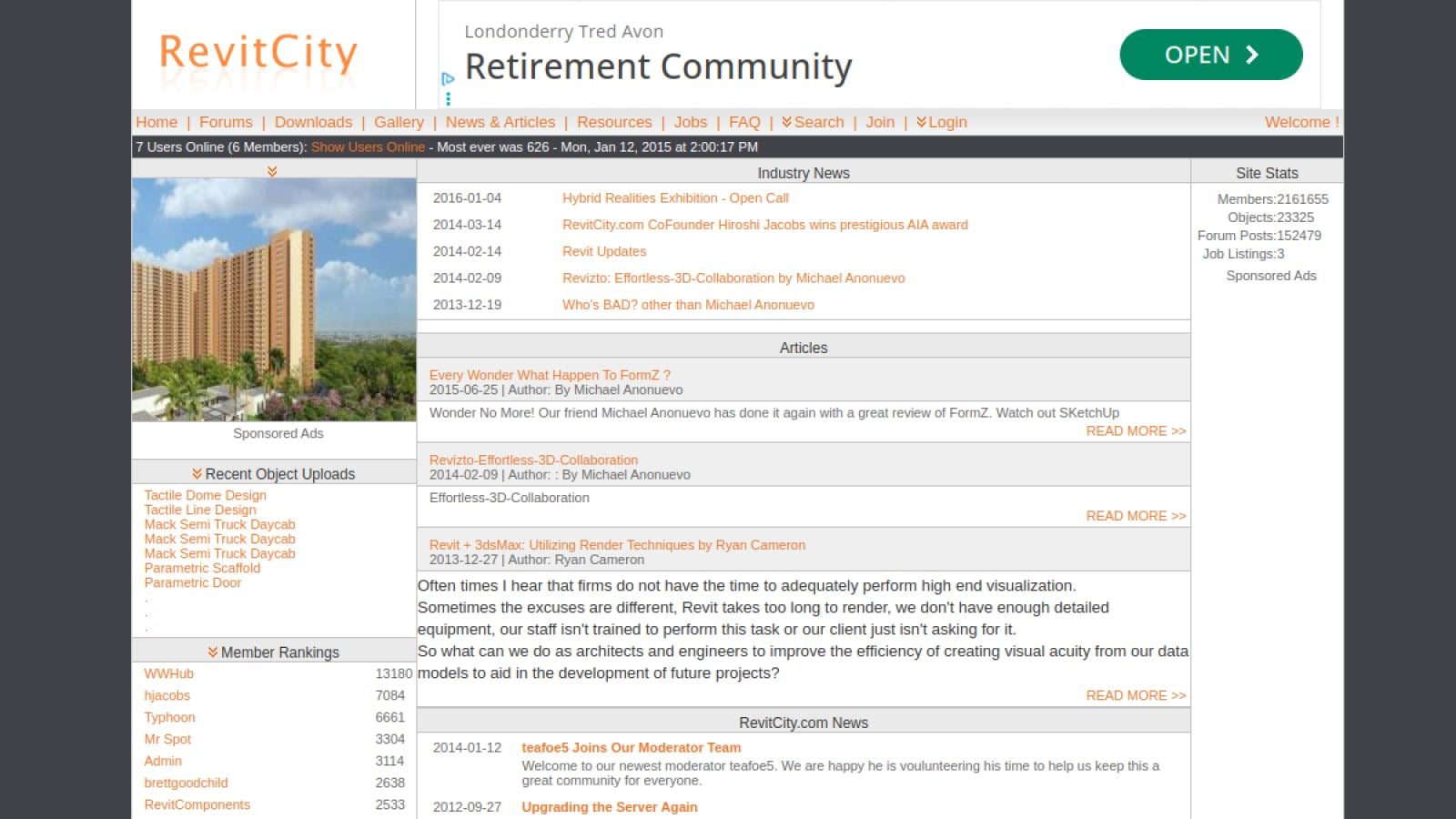
RevitCity is one of the oldest and most famous databases of free Revit families. New uploads are rare these days and the design looks like 2008 because it basically is. Dig anyway. Two decades of user uploads left behind generic chairs, sinks, beds and machines that nobody enjoys modeling from scratch, and the forum threads still answer Revit questions that Google struggles with.
#4. BIMsmith
| Website: | https://market.bimsmith.com/ |
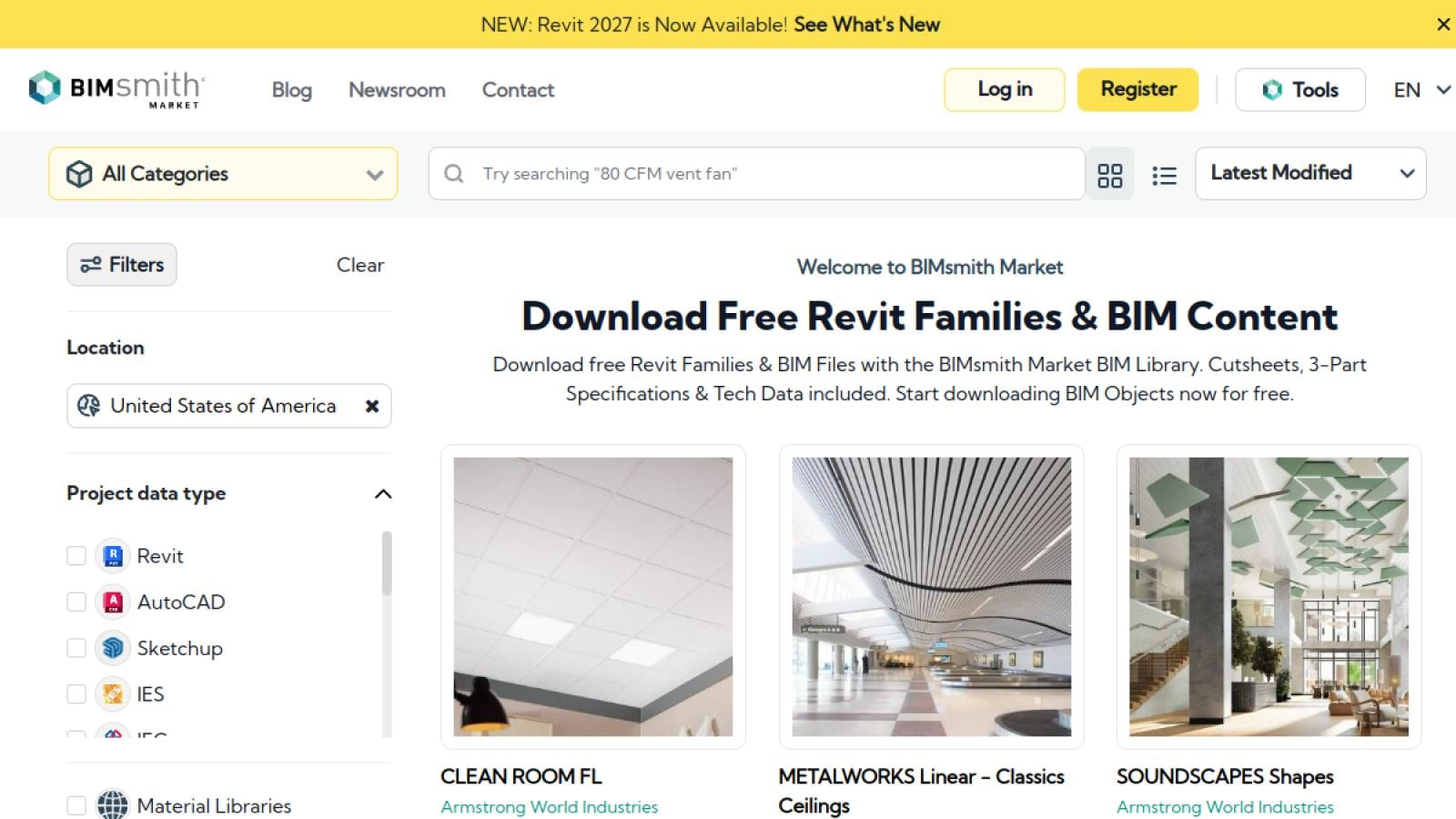
BIMsmith is an online platform that offers a wide selection of 3D models but mainly focuses on architecture and design Revit families such as furniture, lighting, household appliances, etc. The main reason for this is that the content is created by former architects mostly. The site also has a tool called BIMsmith Forge which helps to compile floor, wall, ceiling and roof assemblies layer-by-layer and then download it as a ready system for a Revit architectural construction. In addition, MyBIMsmith provides free private cloud storage for the Revit families and configurations a user likes so that he could come back and download them at any time.
#5. bimstore
| Website: | https://www.bimstore.co/ |
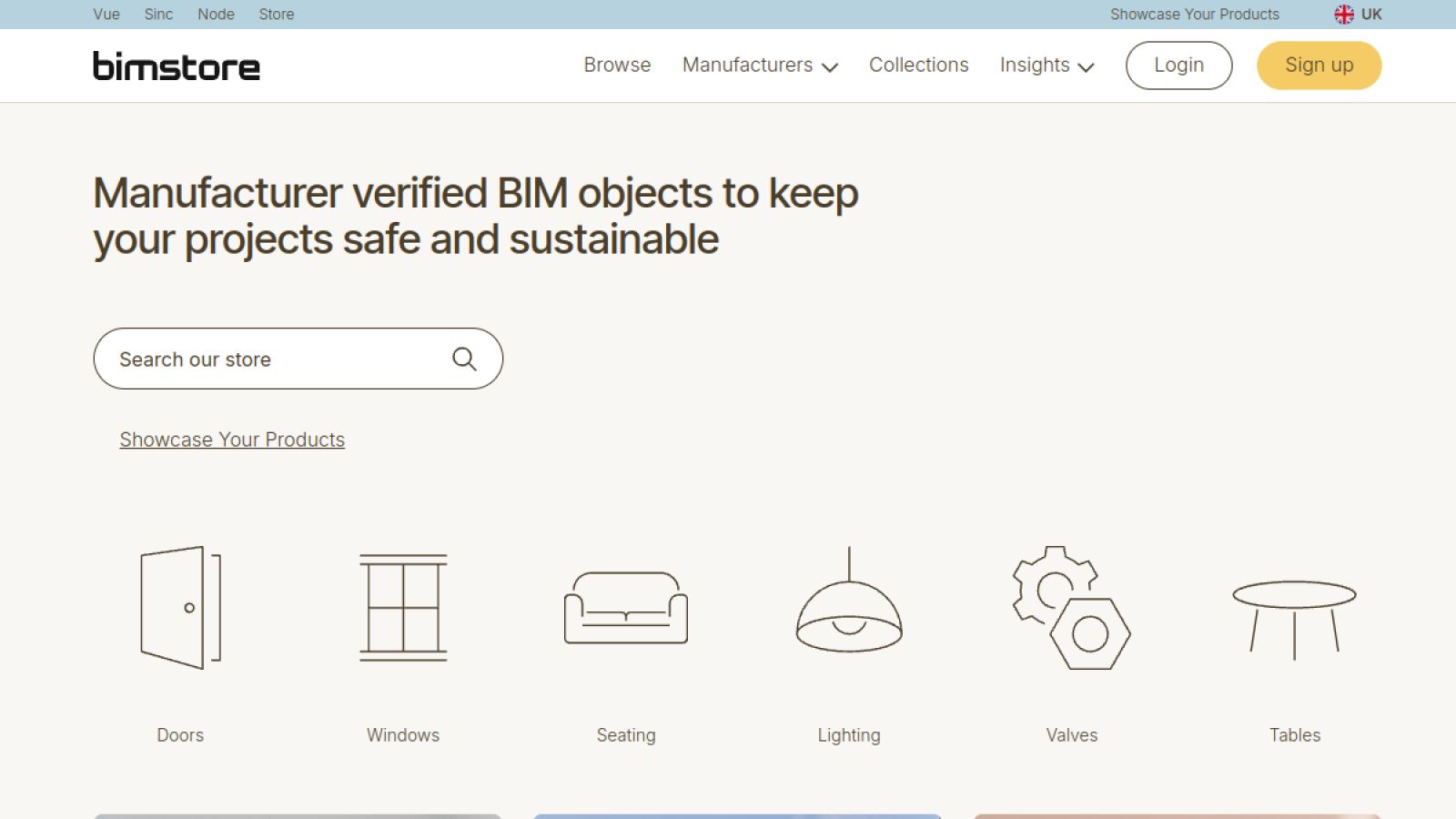
As in the case of NBS, BIMstore provides free Revit families and other 3D objects in accordance with the “BIM Store Bible” which is both the established quality standards and the detailed family creation guide. This set of requirements is also approved by international Revit professionals, and the advantages of Revit modeling article explains why that matters.. On top of that, BIMstore contains IFC and COBie parameters that are vital for interoperability with a wide range of content.
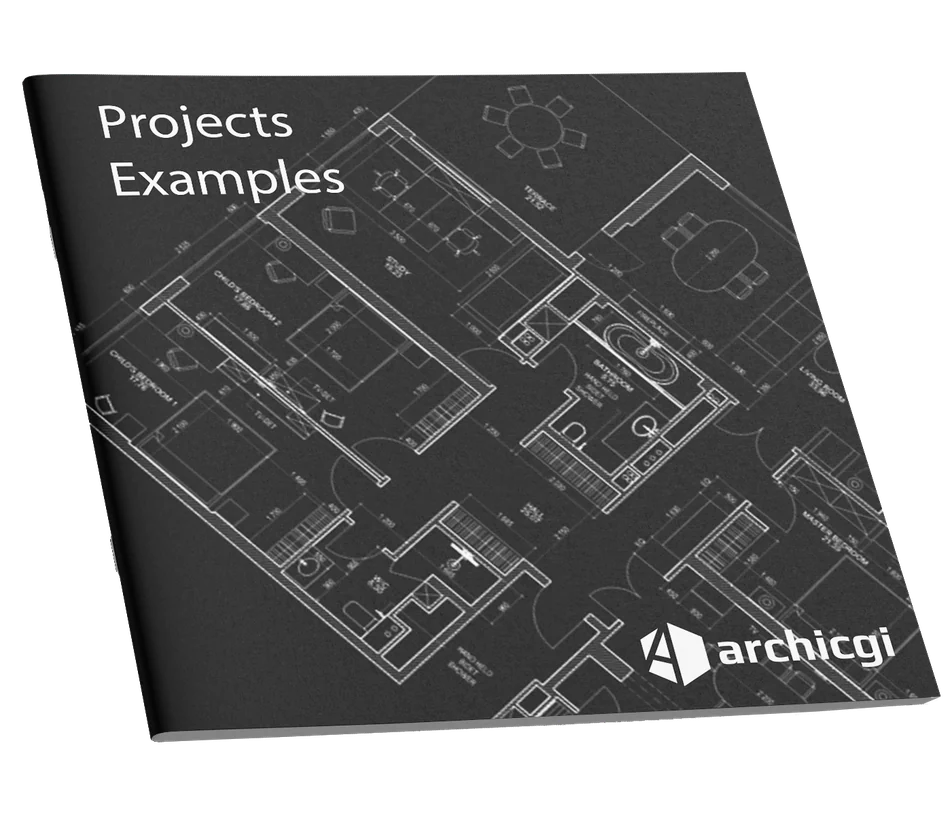
Want to know more about CAD services our studio provides? Check out this archive with projects examples and learn more.
#6. Modlar
| Website: | https://www.modlar.com/ |
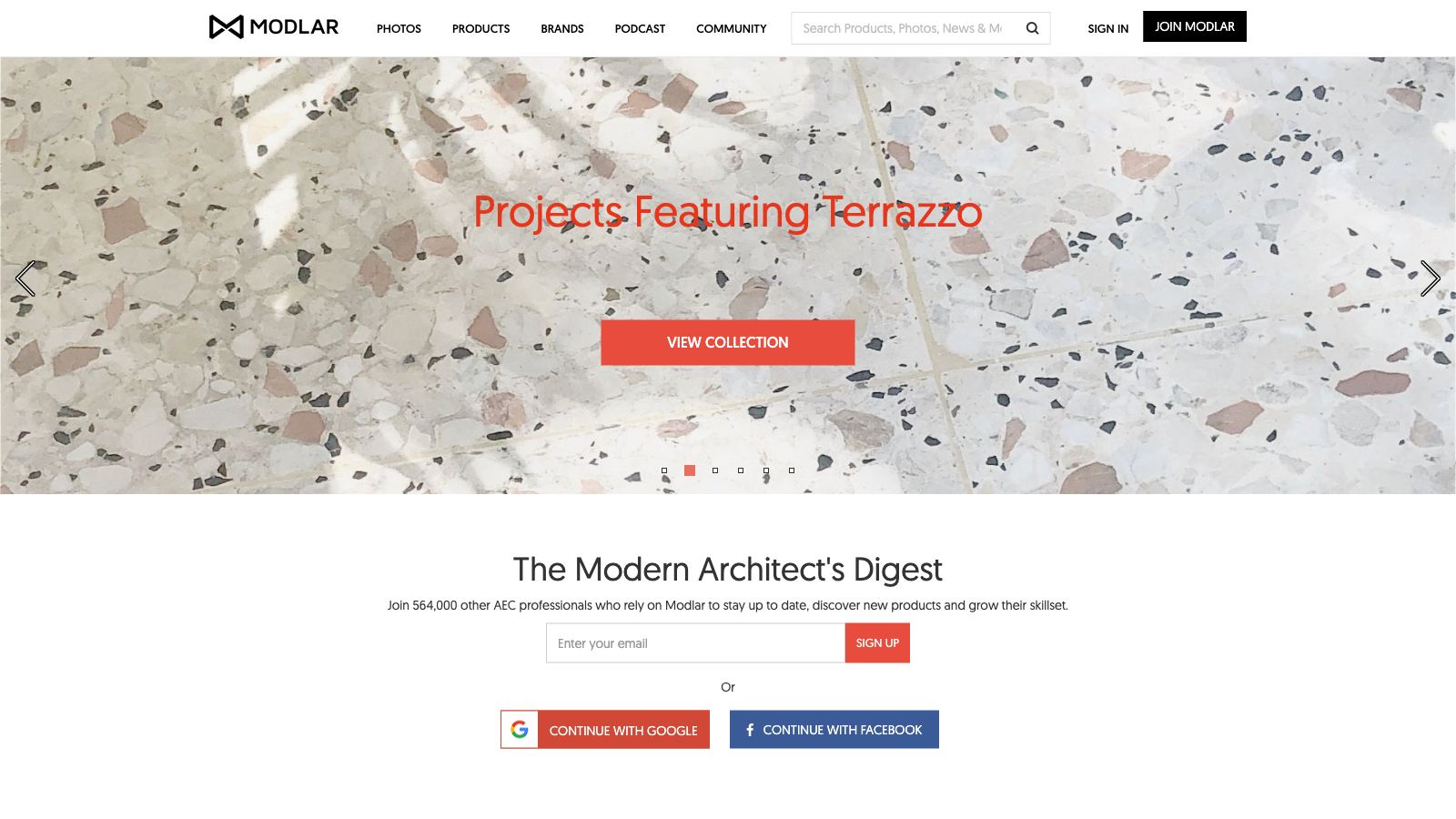
Modlar is a BIM library of a huge assortment of specific content from manufacturers and user-created shared content of Revit 3D models. The platform offers both free and paid families to download. One of the most effective features of the website is the option to search 3D models by geographical indicators that match a specific location or market. Above all, Modlar has product catalogs for downloading, photos of Revit families, lists of represented brands of manufacturers, as well as educational podcasts and collaborative forums.
#7. SpecifiedBy
| Website: | https://www.specifiedby.com |
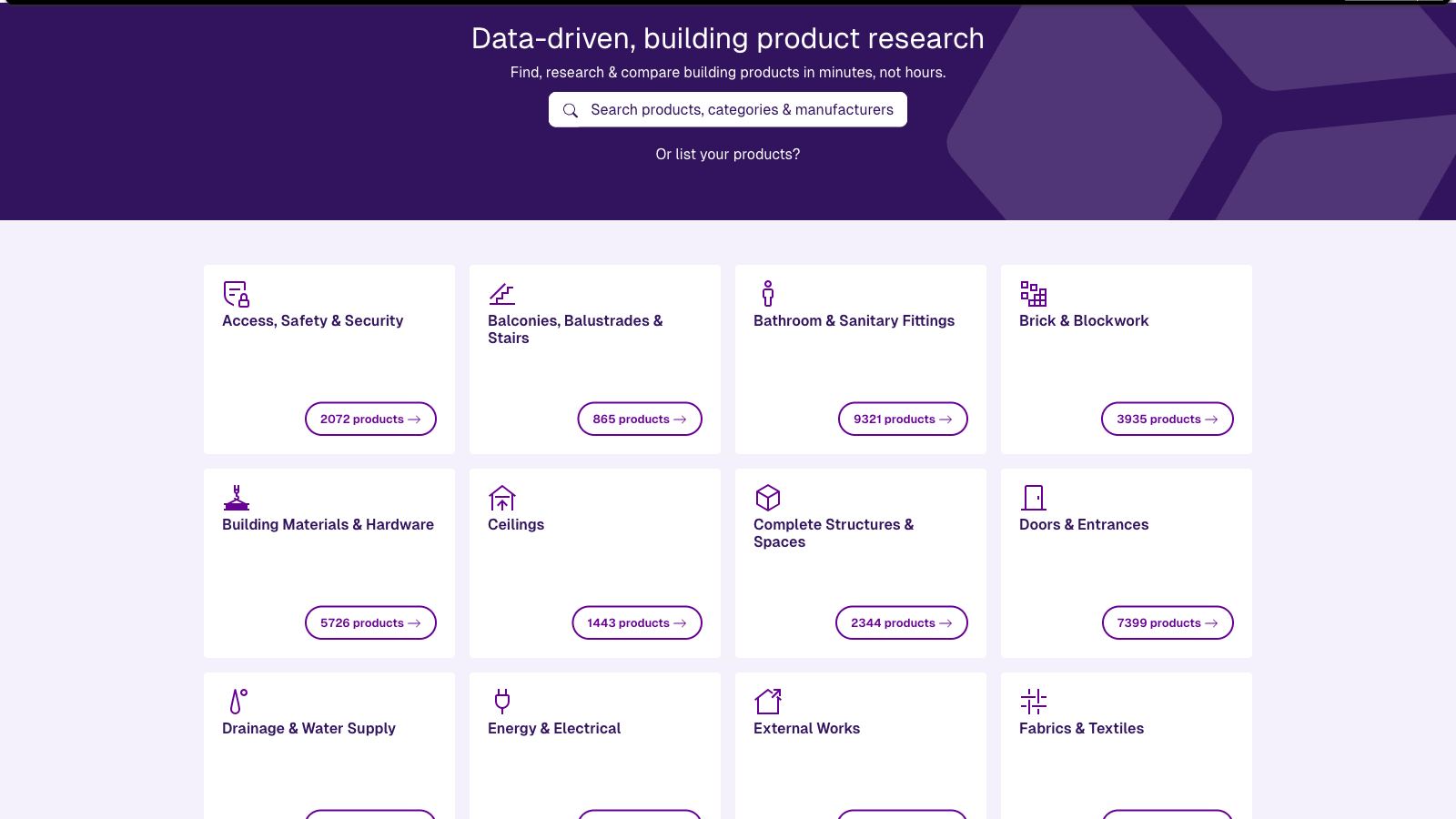
This resource is oriented on content made by manufacturers with a huge range of products. SpecifiedBy claims to have “the UK’s largest BIM content library” and provides all kinds of architectural Revit 3D models. The website is easy to navigate, search, and filter content in order to find exactly what you are looking for. All Revit families are supplied by manufacturing brands (not by SpecifiedBy) so the content quality may vary from product to product. Apart from 3D models to download, the site contains constantly updating architectural product news and building regulations info.
#8. ARCAT
| Website: | https://www.arcat.com/ |
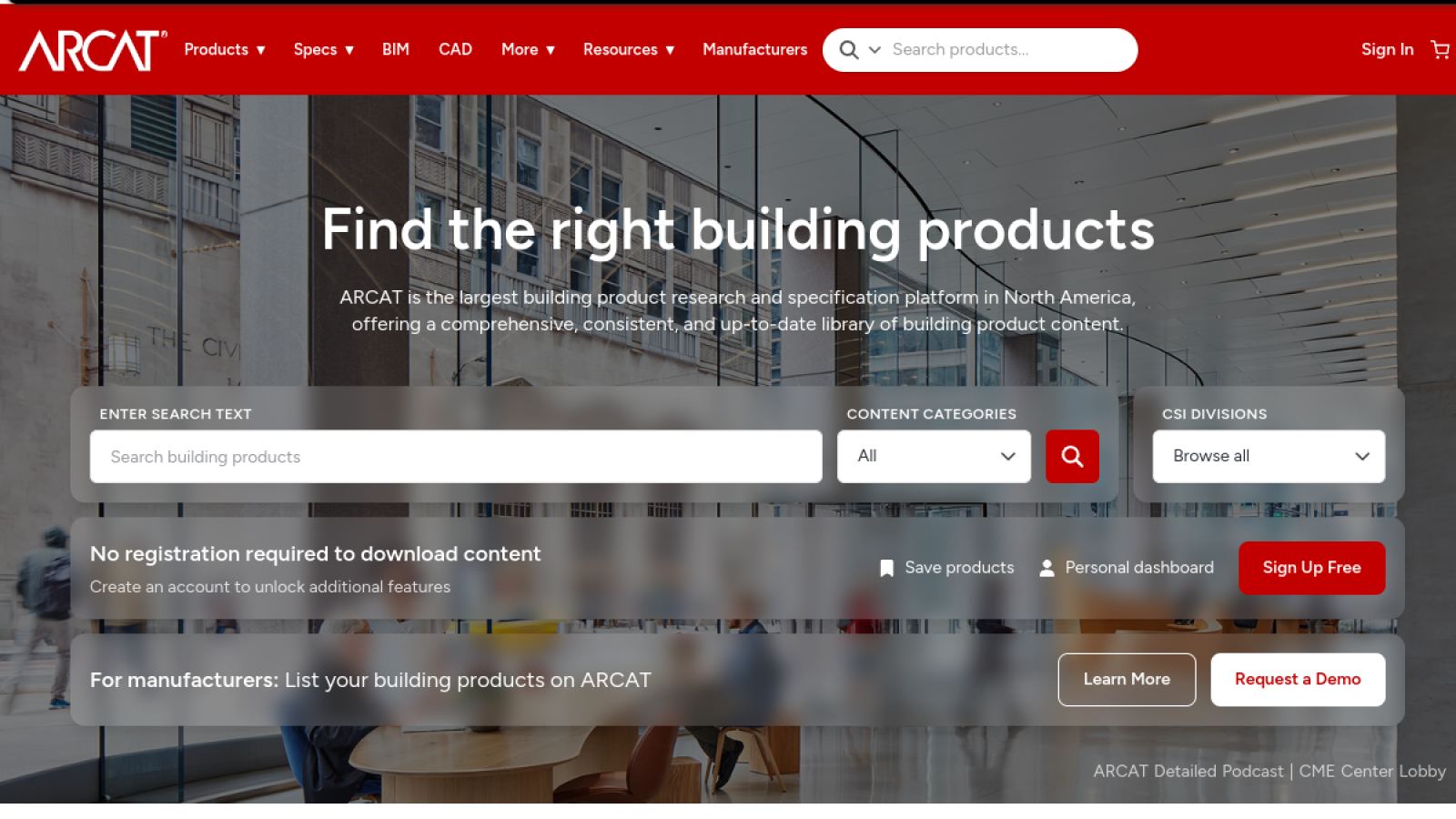
ARCAT started giving away specs and CAD details back in the nineties, long before BIM was a buzzword, and its BIM library keeps the house rule: free, no registration, no email harvesting. Families cover branded products and generics alike. A nice touch: each object links to its matching spec section and CAD detail, so one search covers three documents. Files come reasonably light too, we have yet to pull a fifty megabyte chair out of it.
#9. BIM&CO
| Website: | https://www.bimandco.com/bim/ |
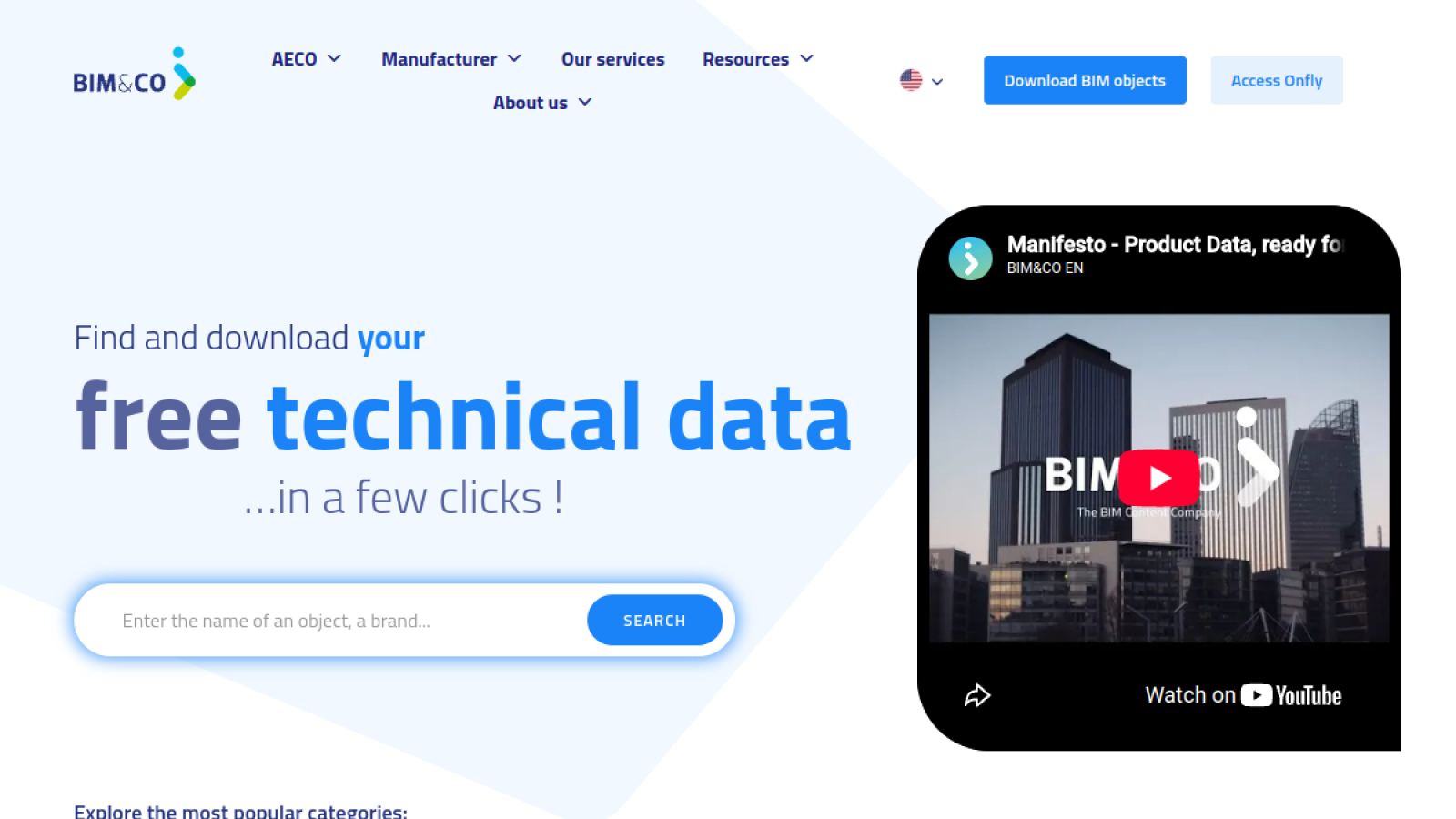
BIM&CO is a European platform built around the idea that the data on an object matters as much as the geometry. Families come from manufacturers and from the community, in Revit and IFC among other formats, and every object carries structured properties that can switch language or standard without redrawing anything. A free account opens the downloads. Teams that need to manage their own content across projects can grow into Onfly, a paid content hub the same company runs on top of the library.
#10. MEPcontent
| Website: | https://www.mepcontent.com/en/ |
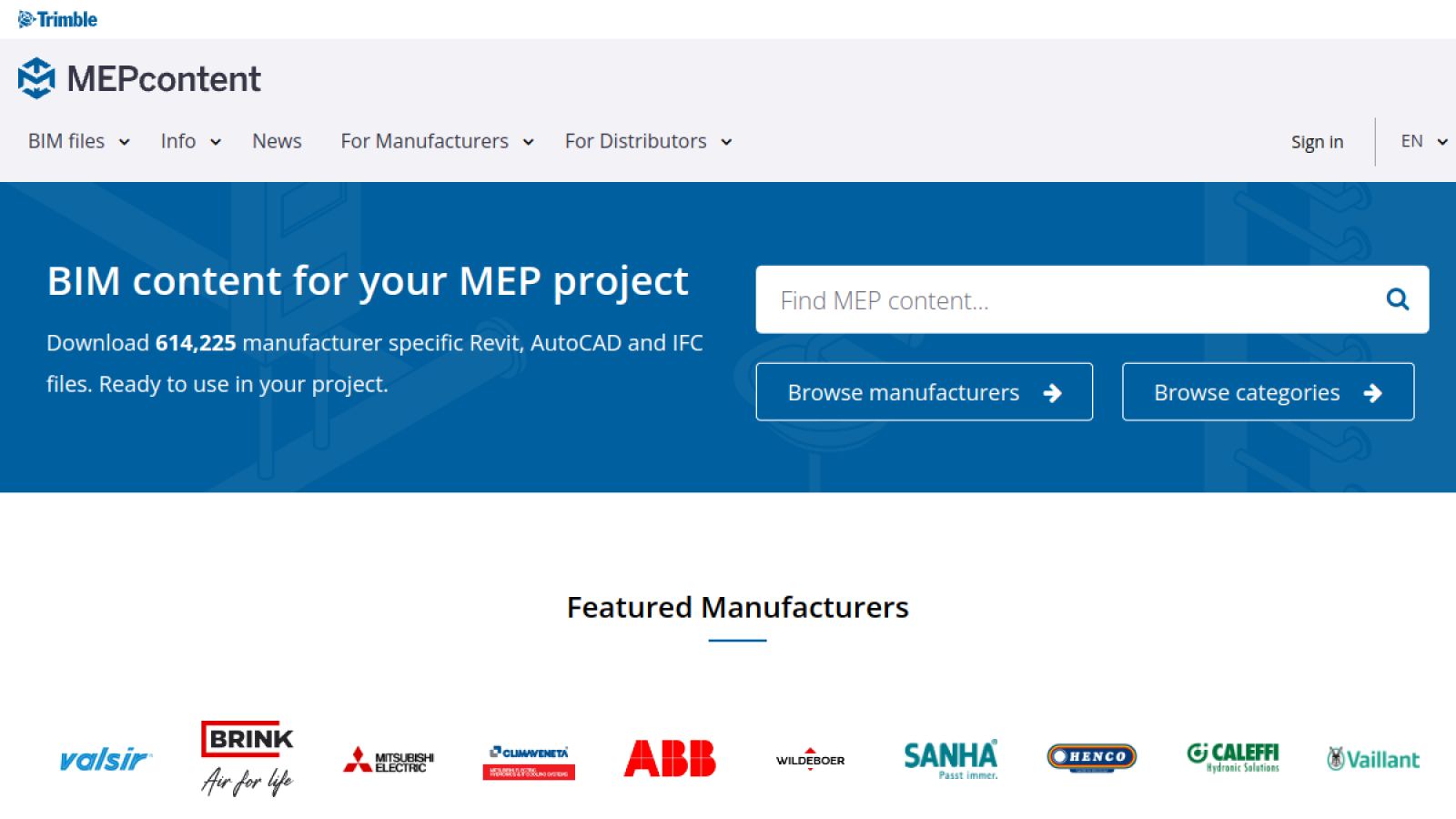
MEPcontent does one thing: building services. Pumps, ducts, electrical panels, valves, the gear that hides above the ceiling. Families are approved by their manufacturers and usually carry real article numbers plus technical data, so an engineer can order exactly what the model shows. An account is free, downloads too, and Trimble ships a plugin that pipes the library straight into Revit. When an architectural model needs believable services, the families come from here.
Revit 3D modeling is the most advanced tool for creating architectural projects more quickly and efficiently that specialists could ever have done with simple blueprints. In order to speed up the process and not start new projects from scratch, there is nothing more convenient than selecting and downloading ready-made Revit families. Moreover, there are so many sites that allow doing this for free, which will significantly reduce the overall cost of a project. As a result, an Architect and a 3D Artist have high-quality Revit 3D models, easier and faster 3D constructing process and a cost-saving benefit on top of it – a truly productive collaboration.
Wonder how much high-quality drafting services cost? Check out the examples of our real projects with pricing.
Want your architectural projects to be created with maximum speed and accuracy? Use ArchiCGI BIM modeling services and get a high-quality and cost-saving architectural visualization and design development with the help of free Revit families.
To get a quote for your project, visit our Revit modeling services page.
Revit 3D Models FAQ
What is a BIM object?
A model component that carries data as well as shape. A door with a width and a fire rating, a pump with a flow rate. The data is the point: it lets the project schedule and count the thing without anybody retyping numbers.
Where can I download BIM objects for free?
The ten sites in this article, and BIMobject, NBS Source and BIMsmith are the ones most people start with. Manufacturer portals are the other route, and they are usually free too, since the brand wants its product specified.
Are BIM objects the same as Revit families?
Close enough in conversation, different in file terms. A Revit family is a BIM object saved as RFA. Archicad uses GDL objects for the same job, and IFC is the neutral format both read. Ask which format a library actually delivers before downloading.
Can I use BIM objects in Archicad?
Yes, if the library offers GDL or IFC. A native Revit RFA will not open in Archicad directly, and converting it usually strips the parameters that made it worth having. The bigger libraries publish several formats for exactly this reason.
Where can I download Revit families for free?
Every library on this list gives families away: BIMobject, NBS Source, RevitCity, BIMsmith, bimstore, Modlar, SpecifiedBy, ARCAT, BIM&CO and MEPcontent. Manufacturer content costs nothing because brands pay to be listed, so you pay with a registration, not a card. ARCAT skips even the registration.
Are free Revit families good enough for real projects?
Manufacturer-authored ones usually are, brands publish them precisely so their products get specified in real buildings. Community uploads are a lottery. Open a downloaded family alone before it goes anywhere near a working model: look at the file size, check the level of detail, try flexing the parameters. If the dimensions refuse to move, that family will fight you for the whole project.
What is the difference between a Revit family and a BIM object?
A Revit family is Revit’s own format, an RFA file you can edit and flex inside the software. BIM object is the umbrella word. The same faucet can exist as a Revit family, as an IFC file and as a SketchUp model, and all three count as BIM objects. Every family is a BIM object, the reverse is not true.
Why does a downloaded family slow my model down?
Almost always overloaded geometry: modeled threads on bolts, real curves where an outline would do, materials with huge textures. Check the file size before loading, purge what you do not use, and swap heavy families for lighter generic versions until the design settles.
What if the family I need does not exist?
That happens on every serious project, usually with custom furniture or equipment. We model Revit families to order at $25 per hour: parametric, in your template, with the LOD your project demands. Send a spec sheet or a photo and we will quote the hours for free.

Valerie Adams
Blog Writer
Valerie is an editor and content writer. She used to work on news and entertainment TV channels and in a fashion & design magazine. In her spare time, she enjoys visiting foreign countries, art events, film and street dancing festivals.

